
UX/UI Design
UX/UI Design That Makes Complex Products Simple to Use.
From research and user flows to wireframes, prototypes and polished interfaces, we design digital products that people understand quickly and enjoy using.
- Research
- Prototypes
- Dev handoff
Why UX/UI Matters
Interfaces Built Around How People Really Work.
A product can be powerful and still frustrating. Good UX/UI removes friction so users reach their goal without thinking about the interface.
-
Fewer obstacles
Clear flows and labels that reduce confusion, errors and support questions.
-
Consistent interface
A shared set of components and rules so every screen feels like one product.
-
Decisions backed by users
Research, testing and feedback guide the design instead of guesswork.


What We Deliver
The Full UX/UI Toolkit.
Depending on your product and stage, a UX/UI engagement can include some or all of the following.
-
UX research and analysis
Review of the existing product, competitors and user needs to find real pain points.
-
User flows and wireframes
Key journeys and screen structure defined before visual design begins.
-
High-fidelity UI design
Polished desktop and mobile screens designed in Figma.
-
Interactive prototypes
Clickable prototypes to test ideas and align stakeholders early.
-
Design systems and style guides
Reusable components and documented rules that keep growing products consistent.
-
Handoff to development
Organized files and specifications so engineers can build accurately.
Selected Work
Interfaces We Have Designed.
Portals, dashboards and admin interfaces designed in Figma. Each card opens the full project page.
-
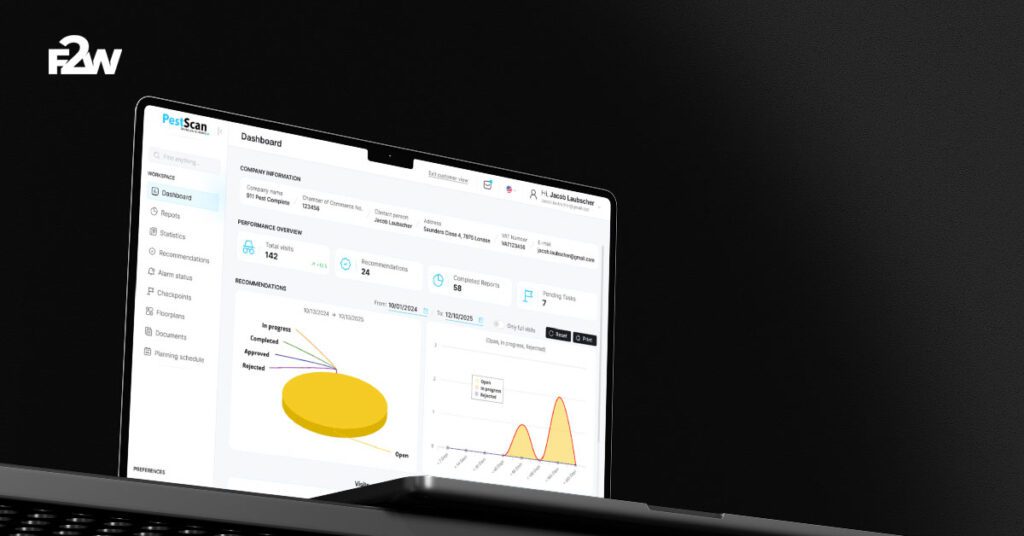
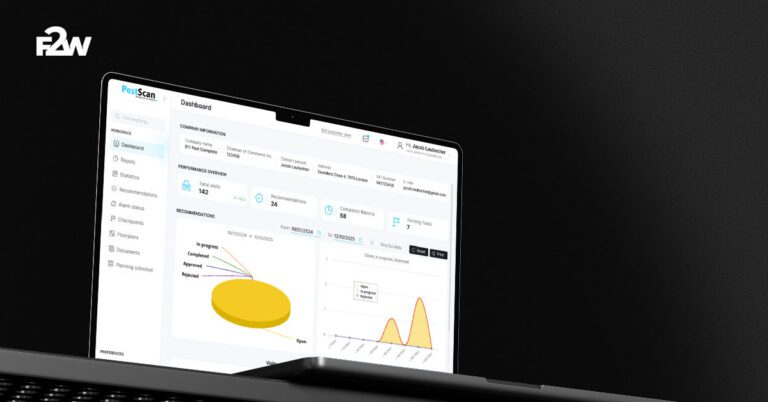
 Customer portal UX/UI
PestScan
A customer portal that simplifies data and reporting, taken from research and wireframes to final UI.
-
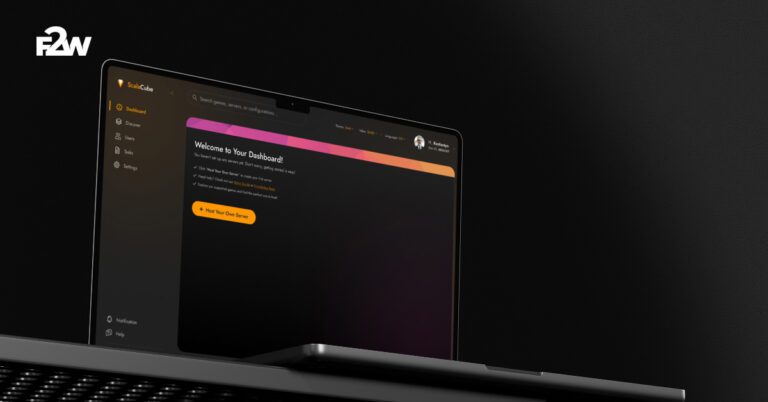
Admin interface redesign
ScalaCube
A redesigned admin area for a game server host, covering login, dashboard and server management screens.
-
Dashboard and design system
Lumen
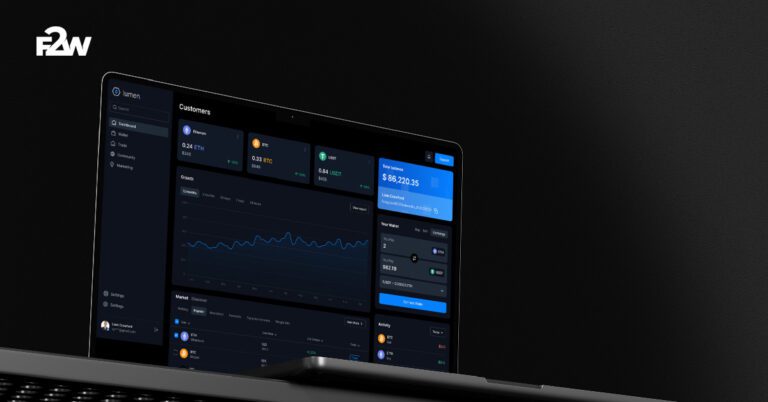
A branded crypto dashboard with wireframes, high-fidelity screens, a prototype and a developer-ready style guide.
Our UX/UI Process
From Insight to Interface.
A structured process that keeps design decisions tied to user needs.
-
Research
We study your users, product and competitors to define the problems worth solving.
-
Structure
We map user flows and build wireframes for the key screens.
-
Design
We design the interface and create a prototype you can click through.
-
Hand off
We prepare organized files and support the team that builds it.


Good to Know
UX/UI Design Questions, Answered.
Answers to what clients usually ask before a UX/UI project.
What is the difference between UX and UI?
UX is about how a product works: flows, structure and ease of use. UI is how it looks: layout, typography, color and components. Good products need both.
Can you redesign an existing product?
Yes. We start by reviewing the current product and its users, then redesign the most important flows and screens.
Do you build the design too?
We can. Many projects continue into front-end or full development, while others hand the design files to the client’s own developers.
Do you create design systems?
Yes. For products that will grow, we define reusable components and style guidelines so new screens stay consistent.